An Upgraded App

Introducing the Tithe.ly Church App
An Upgraded Church App Experience
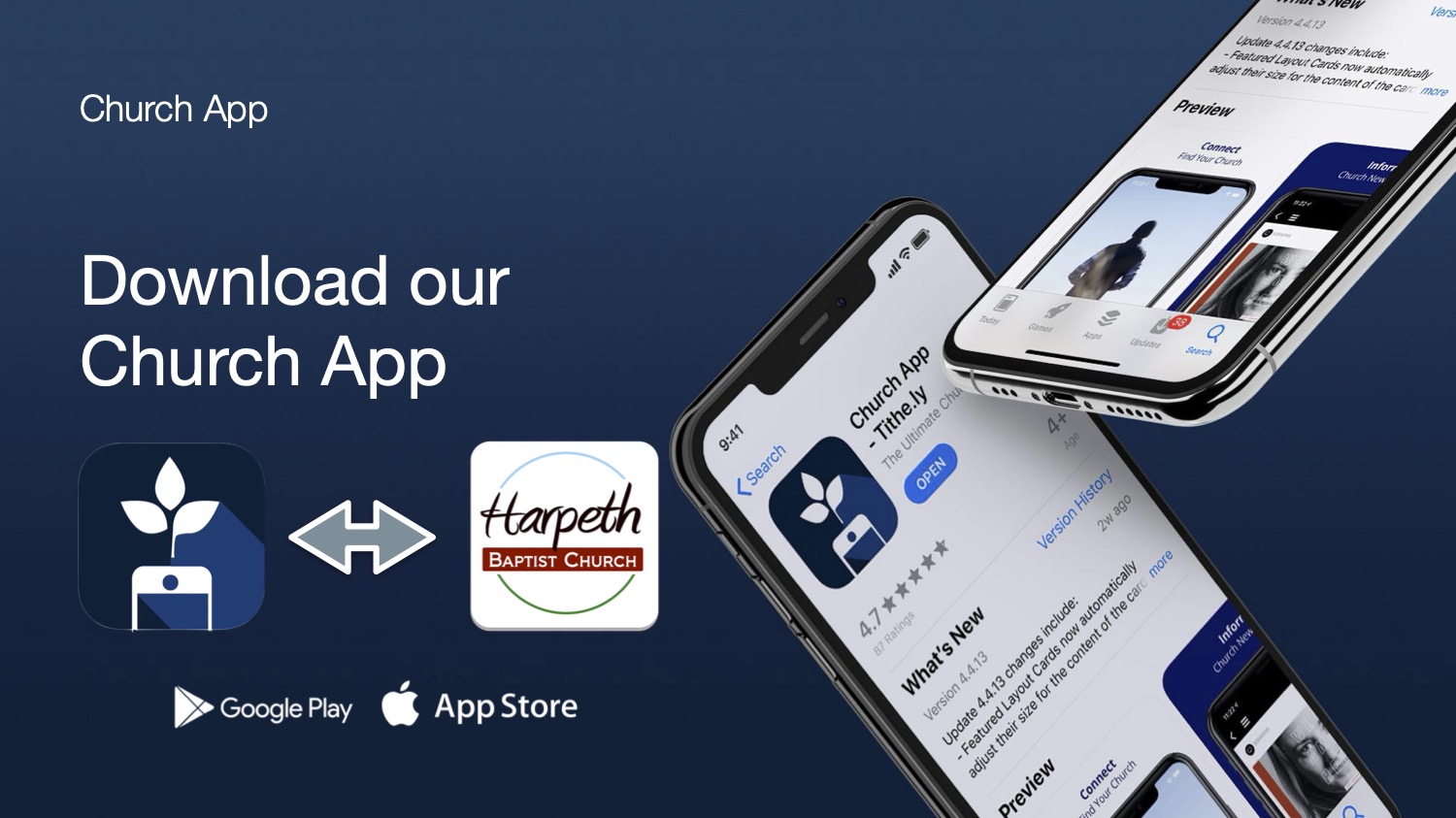
Starting today, you can use the Tithe.ly Church App in place of our existing HBC App. Same content, better experience. To assist churches with keeping tech up to date and working smoothly, Tithely has created a seamless app for churches. This new app should help with issuses such as: videos not playing, slow loading, crashing, messages not alerting, etc.
To get the new app on the Apple App Store or Google Play Store simply click the link below.
https://tithely.app.link/harpeth-baptist
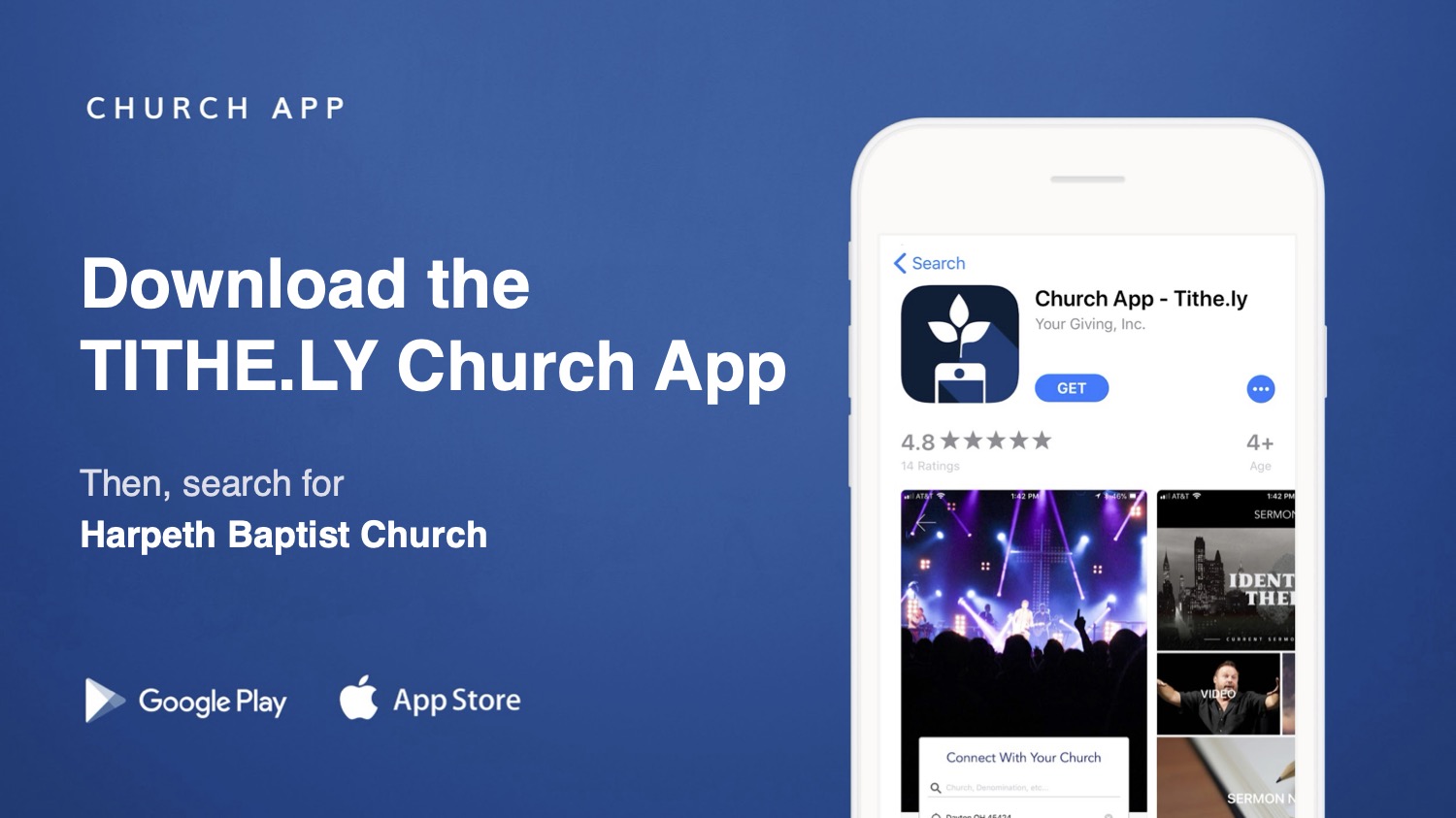
Once the new app has loaded, open it, and HBC app data should load. Or, if prompted, search for Harpeth Baptist Church. Once the church information loads, you can click it to load our app. (This is a 1 time step)
Please note, you may initially be asked to allow permissions in several areas, please "allow":
- Allow "Church App" to use your location? = Allow while using the app
- "Church App" would like to send you notifications = Allow
- Do you want to change the app icon to be the icon for the selected church? = Change
Inside the app, you can login easily.
- Click the "person" icon in the top left corner,.
- Click the blue "Login" icon in the top right corner.
- Click any of the provided methods you prefer.
Now that you are logged in you will see HBC account specific information, groups, and messages. That's it! You are on the new, improved Church app experience. Feel free to delete the original "Harpeth" app from your device.
Need help? Reach out and we can walk you through this changeover!
FAQ
Q: I clicked "Sign in with Phone Verification" but it says "No account found".
A: That's okay! You have a few options.
- Go ahead and create a new account, it will automatically sync with your existing data on the back end.
- Or, try logging in with email and password.
- Or, try logging in with email verification.
Q: When I try to login with email and password it doesn't work.
A: Click "forgot password" under the Sign in button to get a new password.

-
Harpeth Baptist Church